How to Convert Currency Online
Twenty currencies, one simple conversion — and rates you control yourself, so the answer is never a mystery.
October 27, 2026 · 6 min read
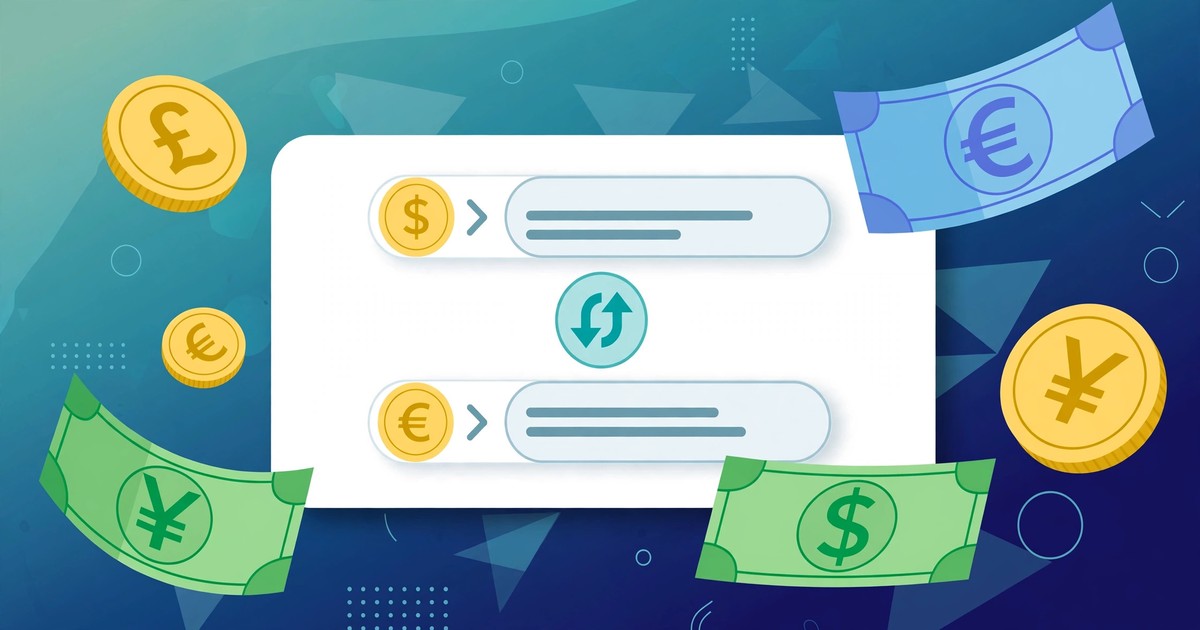
An online shop lists a price in dollars, a friend sends money in pounds, or a freelance invoice arrives in euros — and the first question is always the same: how much is that in my currency? A quick search gives you a rate, but rates move every day, and most converter pages hide the rate they actually used, so you cannot check the answer.
This guide shows you how to convert currency online in seconds with the free Currency Converter — upfront about its rates, editable, and saved on your device.
What the Currency Converter does
The tool converts between 20 world currencies (USD, EUR, GBP, PKR, INR, AED, SAR, CNY, JPY, AUD, CAD, CHF, NZD, SGD, HKD, SEK, TRY, KRW, MYR, ZAR). It works differently from most converters:
- Manual rates, no live API. The tool does not fetch a market rate from the internet. Every rate is a simple, visible number: how many units of that currency equal 1 US dollar. USD is the base currency, fixed at 1.
- Every rate is editable. Below the converter, the Exchange rates section lists all 19 non-USD rates as editable fields. Change any rate and it saves on your device automatically — so the tool remembers your rates next time.
- Live results, no button. There is no Convert button to press. Type an amount or change a currency and the result updates live as you type, with a breakdown line showing the exact rate used.
- One-tap swap. The ⇄ Swap currencies button exchanges From and To instantly — the reverse conversion without retyping.
The honest trade-off: because the rates are manual, the built-in defaults are starting points, not live market rates. For a real payment, update the rate first to the one that actually applies to you. The built-in defaults on the page include EUR 0.92, GBP 0.79, PKR 278, INR 86, AED 3.6725, SAR 3.75, CNY 7.24 and JPY 150 per 1 USD.
Convert currency in 5 steps
- Open the Currency Converter — it runs entirely in your browser, so the amounts you enter are never uploaded anywhere.
- Type the amount. The Amount field starts at 100; replace it with your figure — the result updates live.
- Pick the From currency. The currency your amount is currently in — the one on the price tag, invoice or transfer.
- Pick the To currency. This is the currency you want the answer in. Use the ⇄ Swap currencies button any time you want the conversion the other way round.
- Read the result and the breakdown line. The large RESULT figure is the converted amount; the line beneath shows the rate used, for example "100 USD = 27800 PKR (1 USD = 278 PKR)". If that rate is not the one you want, edit it in the Exchange rates section and the result recalculates immediately.
Worked examples with real numbers
Every number below uses the tool's built-in default rates — check each one against the tool. These are defaults, not today's market rates.
- 100 USD to PKR: 100 × 278 = 27,800 PKR. This is the result the tool shows on load, with the breakdown "100 USD = 27800 PKR (1 USD = 278 PKR)".
- 50 USD to EUR: 50 × 0.92 = 46 EUR.
- 250 EUR back to USD: the tool converts through the USD base, so divide by the EUR rate: 250 ÷ 0.92 = 271.74 USD (check: 271.74 × 0.92 = 250.00).
- 1,000 GBP to PKR: convert GBP to USD first (1,000 ÷ 0.79 = 1,265.82 USD), then to PKR (1,265.82 × 278 = 351,898.73 PKR). The shortcut cross-rate is 278 ÷ 0.79 = 351.8987 PKR per GBP.
- 500 AED to SAR: 500 ÷ 3.6725 = 136.15 USD, then 136.15 × 3.75 = 510.55 SAR.
- 10,000 JPY to USD: 10,000 ÷ 150 = 66.67 USD.
The pattern behind every example: to go from USD to another currency, multiply by that currency's per-USD rate; to go back to USD, divide by it; between two non-USD currencies, divide by the first rate and multiply by the second.
Conversion table: what 100 USD buys in each currency (default rates)
Sanity check for the tool's defaults:
- EUR: 100 × 0.92 = 92
- GBP: 100 × 0.79 = 79
- PKR: 100 × 278 = 27,800
- INR: 100 × 86 = 8,600
- AED: 100 × 3.6725 = 367.25
- SAR: 100 × 3.75 = 375
- JPY: 100 × 150 = 15,000
- TRY: 100 × 36 = 3,600
- KRW: 100 × 1,380 = 138,000
5 mistakes that make your conversion wrong
- Trusting a default rate for a real payment. The defaults are fixed numbers, not live market rates, and real rates move daily. For actual money, look up the rate that applies to your transaction — your bank's, your card's, or the remittance service's — enter it in the Exchange rates section, and only then read the result.
- Multiplying when you should divide. USD to another currency multiplies by the per-USD rate; the reverse divides by it. Converting 27,800 PKR back to USD means 27,800 ÷ 278 = 100 USD — multiply instead and you get a nonsense 7.7 million.
- Forgetting fees and spreads. A converter answers the rate question, not the cost question. Banks, cards and transfer services add their own margin or fee, so the amount that actually lands can be lower than the converted figure. Budget for the fee separately.
- Mixing up "per USD" with "per unit". The tool's rates are all units per 1 USD (EUR 0.92 means 0.92 euros per dollar). If you paste in a rate quoted the other way round — dollars per euro, about 1.09 — every answer comes out wrong. Check a rate's direction before you type it in.
- Rounding mid-calculation. Keep full precision through the conversion and round only the final answer. Rounding the GBP-to-PKR cross-rate (351.8987) to 352 before multiplying by 1,000 would overstate the result by about 102 PKR.
Frequently asked questions
Does the Currency Converter use live exchange rates?
No — it uses manual rates, with no live API. Each rate is how many units of that currency equal 1 USD, and you can edit any of them. Rates save on your device automatically, and Reset to defaults restores the built-in values.
How do I convert between two currencies that are not USD?
Pick them as From and To and the tool converts through the USD base: it divides by the From rate and multiplies by the To rate. Example: 500 AED to SAR = 500 ÷ 3.6725 × 3.75 = 510.55 SAR at default rates.
Why does my result differ from Google or my bank?
Because the rate differs. This tool answers with the rate you set, while search engines show a mid-market rate and banks apply their own rate plus fees. If the three disagree, the rate is the reason — not the arithmetic.
Is my data safe in an online currency converter?
With ours, yes — everything runs locally in your browser, your edited rates are stored only on your device, and nothing you enter is sent to a server.
Related tools: Currency Converter · Unit Converter · Percentage Calculator · Discount Calculator